The new Family Tools is coming soon.
We’re super excited to introduce everyone to the new Family Tools.
Over the years, you’ve shared so many great ideas with us, including features that simply weren’t possible with the way the original app was built. So, over the past several months, we’ve rewritten Family Tools from the ground up to give us the flexibility to build many of the features you’ve been asking for.
Here’s a small sample of what’s coming:
Chores Just Got Better
- Switch between list and calendar views, with the calendar showing the past and upcoming 30 days.
- Add ordered or unordered subtasks to chores.
- Skip chores in the past or future.
- Personalize the Star System with more options and flexibility.
- Use money-based chore rewards to track how much has been earned.

Image Uploads Are Here
Everyone can upload a personal profile image, while Premium and Premium+ families can add images to chores, notes, recipes, and more.

More Free Features!
Homework, To-dos, and Meals now have free versions! Family accounts on the free plan will have access to every section of the app, with some limitations depending on the feature.
That means more of Family Tools is available to everyone.
Make Multiple To-do Lists
To-dos now stand on their own from Chores as a personal task organizer.
Create multiple To-do Lists and organize everything you need to get done in the way that works best for you.
Smarter Meal Planning
The Meal Plan Generator has received a huge overhaul.
All families can use the new guided walkthrough to create a meal plan, while Premium families can use Smart Mode to help prevent similar meals from being placed too close together.
Dashboard Screens
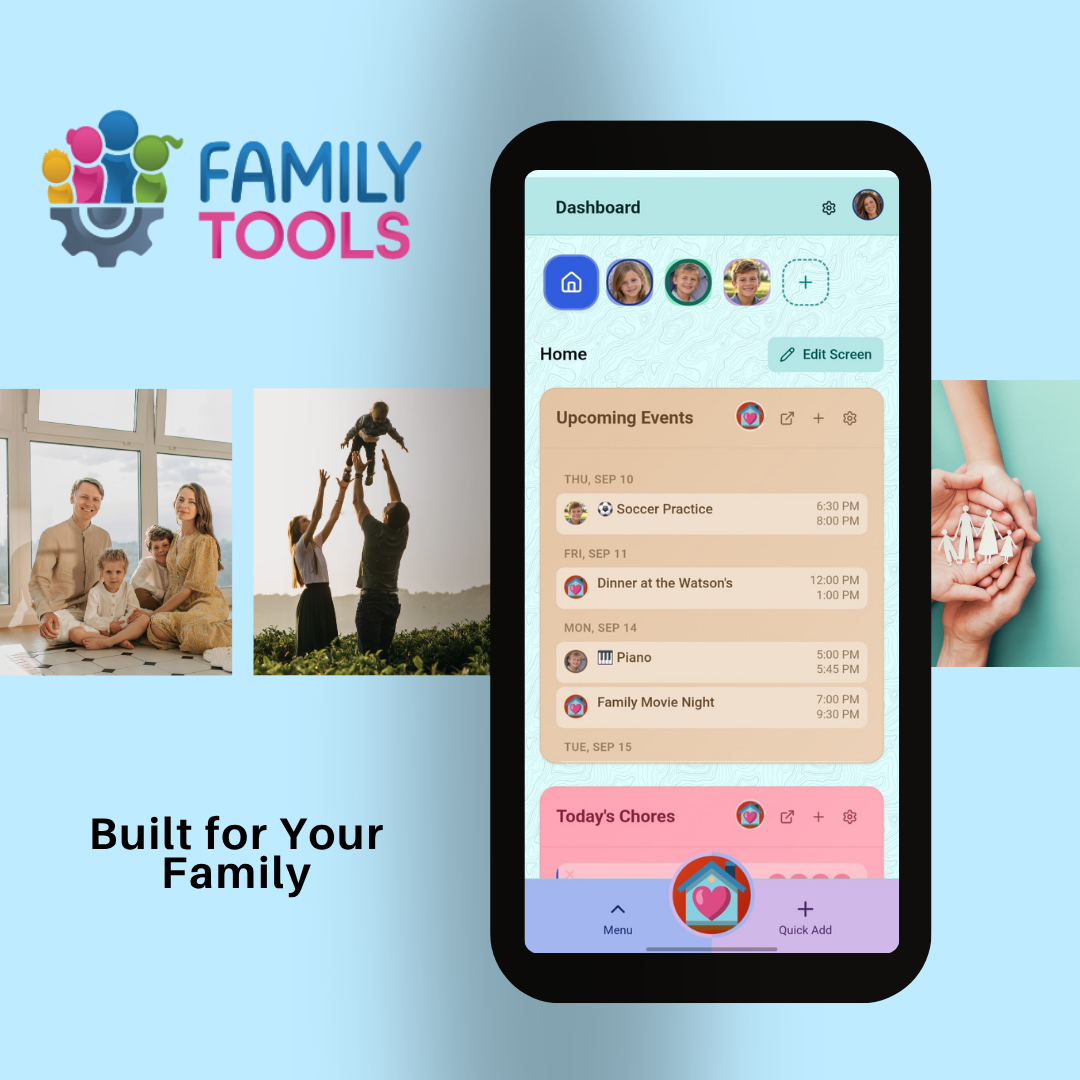
The dashboard is getting a major upgrade with the new Screens feature.
Create a personalized screen for each child, or build screens that show everyone’s chores, homework, events, and more. You decide what information appears and how you want it organized.

Deletion History
Sometimes a family member accidentally deletes something. Deletion History is like your computer’s recycle bin. It keeps your deleted data for a while before it gets permanently deleted, allowing you to restore it before it’s gone.
And That’s Only the Beginning!
There are many more improvements throughout Family Tools, including:
- Folders for organizing Lists, Notes, and To-do Lists
- More settings and personalization options throughout the app
- Improvements to Stars for both Chores and Homework
- Customization: unlock more colors, backgrounds, images, and more.
- Collections: the EXP system is back, allowing you to unlock more options to customize the app.
- Updates across nearly every section of Family Tools
And we still have more to show you.